

- Out-of-support versions never get a fix. IPA states that PHP 8.1 and earlier will not receive the October 2026 fixes and asks for an update to a supported version or a move to a patched product or service.
- A WAF, access restrictions and a maintenance page are stopgaps. Where maintenance cannot be secured, IPA asks you to consider migration, reducing functions, ending publication or retiring the system.
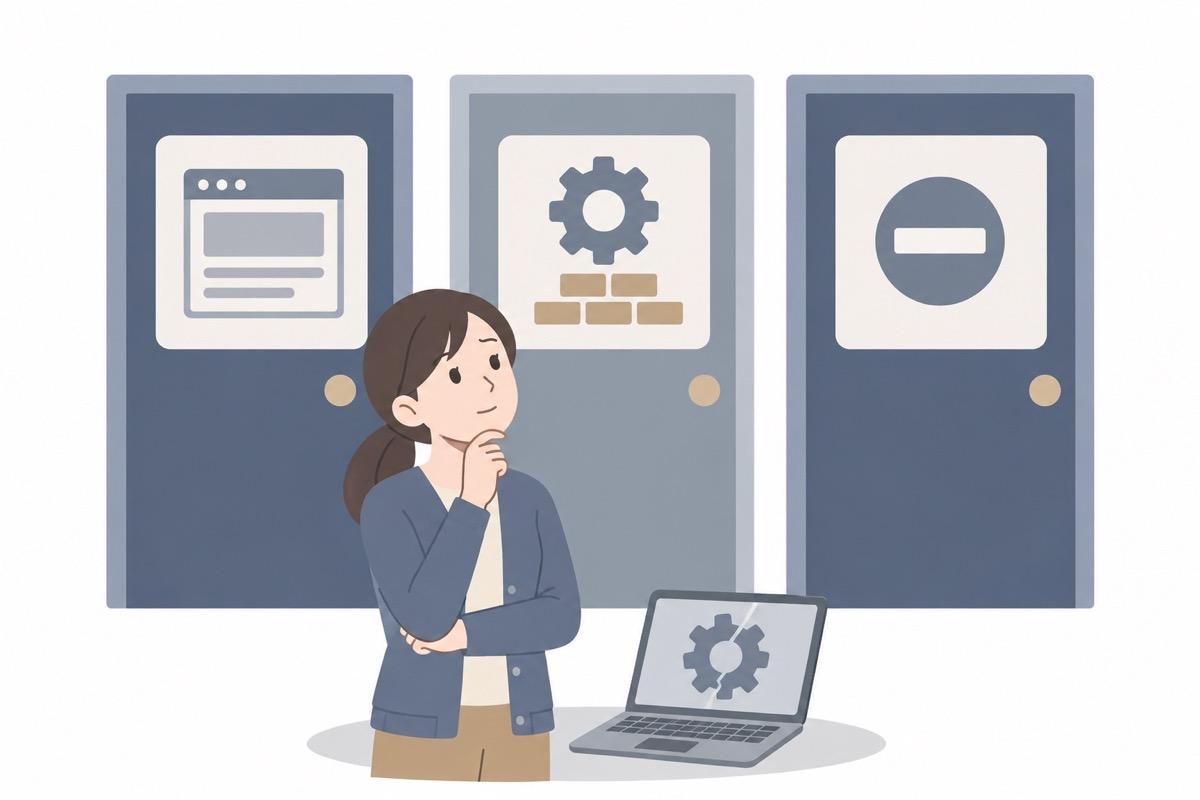
- What remains are three options: ① static conversion ② rebuild ③ shutdown. Brochure sites usually take ①, sites with logins, reservations or member data take ②, and unused sites take ③.
- Whichever you choose, first inventory your pages, forms, integrations, domain and backups. A pre-decision checklist is at the end of the article.
Some sites simply cannot be “just updated”
On October 21, 2026, two critical PHP vulnerabilities (CVE-2026-109618 and CVE-2026-109619) were disclosed, with fixes in PHP 8.2.35, 8.3.36, 8.4.27 and 8.5.12 (IPA advisory). IPA also states clearly that PHP 8.1 and earlier are out of support and will not receive these fixes, and asks organizations to update to a supported version or move to a patched product or service. On October 26 (local time), both CVEs were added to CISA’s Known Exploited Vulnerabilities catalog.
At companies without IT staff, old sites usually survive for one of three reasons.
- No fix exists: out-of-support versions (PHP 8.1 and earlier, old CMS releases, abandoned plugins) will never receive a fix for any future vulnerability.
- Upgrading breaks the site: major PHP upgrades can stop old code from working, and someone has to fix the site itself.
- The builder is gone: the agency closed or the person in charge left, and nobody knows where the source code or the admin password is.
Temporary measures buy time; they are not the answer
On a site with no fix available, all you can do right now is reduce the surface exposed to attack. Use each of these only “until the next step is decided,” set a deadline, and move on.
| Stopgap | What it does | Limits |
|---|---|---|
| WAF | Blocks traffic that matches known attack patterns | IPA treats a WAF as an insurance-type measure, not a fundamental fix (IPA) |
| IP restriction | Limits access to the office or to domestic addresses | Not usable for a public site; attacks from allowed ranges still get through |
| Disabling features | Closes commonly targeted entry points such as forms, logins and uploads | The core vulnerability remains and operations suffer |
| Maintenance page / taking the site offline | Makes the site unreachable from outside. IPA asks you to decide whether to block external access or pause the service when no effective stopgap is available | Inquiries and sales stop while it is down, and reopening requires a permanent fix |
The three options that remain
① Static conversion: remove the moving parts and keep only HTML
You export the pages the CMS renders as plain HTML, CSS and images, and host them where no PHP or CMS runs (static hosting or a CDN). Because no program runs on the server, PHP and CMS vulnerabilities no longer affect you. For WordPress, export plugins such as Simply Static let you keep the look and the URLs.
- Best for: brochure-style sites such as company profiles, recruiting and product pages.
- What you keep: domain, URLs, design and search rankings. Contact forms survive if you replace them with an external form service.
- What you lose: anything that runs on the server, such as site search, logins, comments, reservations and member pages.
- Rough effort: a few days to about two weeks for a company site of a few dozen pages, including export and checks. Decide up front whether future edits go through the old CMS and a re-export, or directly into the HTML.
- Pitfall: leaving the original CMS publicly reachable defeats the purpose. After export, keep the CMS on the internal network or shut it down.
② Rebuild on a supported foundation
Sites that need server-side functions for the business, such as logins, reservations, member data, payments or search, cannot be made static. Here you rebuild on a CMS or framework that is still supported. You can keep the design and replace only the internals, or use the opportunity to rethink the structure.
- Best for: sites that hold data such as reservations, members or inquiry history, and online shops.
- What you keep: domain and URLs (and rankings, with redirects), plus your data, which needs a migration step.
- Rough effort: one to three months for a small site; three to six months or more with members or payments. Cost is often an order of magnitude higher than static conversion.
- Pitfall: without someone to keep updating it, a rebuilt site returns to the same state in a few years. Write the new platform’s end-of-support date and who applies updates into the contract.
When choosing a platform, look at the remaining support window. The official PHP page lists security fixes for 8.2 until December 31, 2026, 8.3 until December 31, 2027, 8.4 until December 31, 2028 and 8.5 until December 31, 2029. For a new build, pick the version whose end date is furthest away.
③ Shutdown: retire unused sites properly
Sites from a finished campaign, an old brand before a merger, a blog a predecessor set up that nobody reads. For most of these, the loss when they are attacked outweighs the value of keeping them. When sites on old CMS versions were being defaced and used to infect visitors with malware, IPA called on operators of sites whose vulnerabilities were not being managed to consider closing them (press coverage). The October 2026 advisory likewise lists ending publication and retiring the system as options.
- Best for: sites not updated for a year or more, that get no inquiries, or that have no owner.
- What to do: stop the server and database, keep a backup of files and data, hold the domain for now and redirect it to your main site, and inform search engines and sites that link to you.
- Pitfall: “we thought it was off” is the most dangerous state. There are cases where only the contract was cancelled while the server kept running, or only DNS was removed while the server was still reachable directly. Verify from outside that nothing responds.
- If you give up the domain: a long-abandoned domain can be re-registered by a third party and used for a scam site. Remove it from business cards, printed material and email signatures first.
Decide by site type and the data it holds
| Site type | Data held | Default choice | Note |
|---|---|---|---|
| Company profile, recruiting, products | Contact form only | ① Static | Move the form to an external service |
| Blog or news-centred | Articles | ① Static | If you post often, automate the export or consider ② |
| Reservations, applications, member pages | Personal and reservation data | ② Rebuild | If it is only reservations, an external booking service plus a static site is another split |
| Online shop | Customers, orders, payments | ② Rebuild | Moving to a hosted e-commerce platform instead of self-hosting is also an option |
| Finished campaign, old brand | None, or old entry data | ③ Shutdown | Move only the pages worth keeping to the main site |
| Site nobody manages | Unknown | ③ Shutdown | Check the contents first; if personal data remains, delete it |
Checklist before you decide
Whatever you choose, you cannot estimate or plan without the items below. IPA also asks for an inventory up front.
- List of pages (how many, last updated, whether they get traffic)
- List of forms (contact, brochure request, applications) and where they send to
- External integrations (booking service, payments, analytics tags, chat, social embeds)
- Who holds the domain and hosting contracts, renewal dates and logins
- Where the source code and admin passwords are
- Whether backups exist and whether a restore has ever been tested
- Personal data left on the site (applications, inquiry history, member data)
- Legally required pages such as the privacy policy and the Specified Commercial Transactions Act notice
- Pages with significant search traffic (to protect with redirects)
Running the site until the transition is done
- Set a deadline: fix a date by which one of ①–③ will be complete, and share it with everyone involved.
- Reduce exposure: close unused forms and login pages, restrict the admin area by IP, and enable the WAF if you have one.
- Keep logs: retain access logs at least until the transition is complete. They are the only way to check whether an intrusion happened.
- Watch for anomalies: once a week, check for unfamiliar files, defaced pages and sudden traffic spikes.
- Decide who pulls the plug: agree in advance who decides to take the site offline if signs of attack appear.
Frequently asked questions
Q. If we add a WAF, can we stay on the old version?
A. It works as insurance with an expiry date, not as an answer. IPA treats a WAF as an insurance-type measure rather than a fundamental fix. The day you add a WAF, also set the deadline for ①–③.
Q. Will static conversion hurt our search ranking?
A. Not if you keep the URLs and the content. Pages usually load faster. Add redirects for any URL that changes.
Q. We can’t reach the agency and have neither the source nor the admin login
A. Static conversion is still possible from the public pages, because an export simply collects the HTML visible from outside. If the domain and hosting contracts are in your company’s name, the hosting provider can often reissue admin access after verifying your identity. Check who the contract holder is first.
Q. We have no IT staff. Where do we start?
A. Fill in just the first four rows of the checklist above (pages, forms, integrations, contracts). That alone usually settles which of ①–③ applies. Our free security check can produce the list of technologies and versions from your site’s URL.
Summary
Out-of-support versions never get a fix, so “update” is off the table. Buy time with a WAF or by taking the site offline, and in the meantime choose ① static conversion, ② rebuild or ③ shutdown. Brochure sites take ①, sites that hold data take ②, unused sites take ③. Start with an inventory of what is running. Related: “What is EOL,” “EOL calendar,” “What to do about the PHP vulnerabilities.”
Let us find your unsupported software, free of charge
It’s fine to start from “we don’t know which versions run on which servers.” With our free IT inventory and vulnerability check, we hand you a list of end-of-life (EOL) software and the issues you should fix first.