

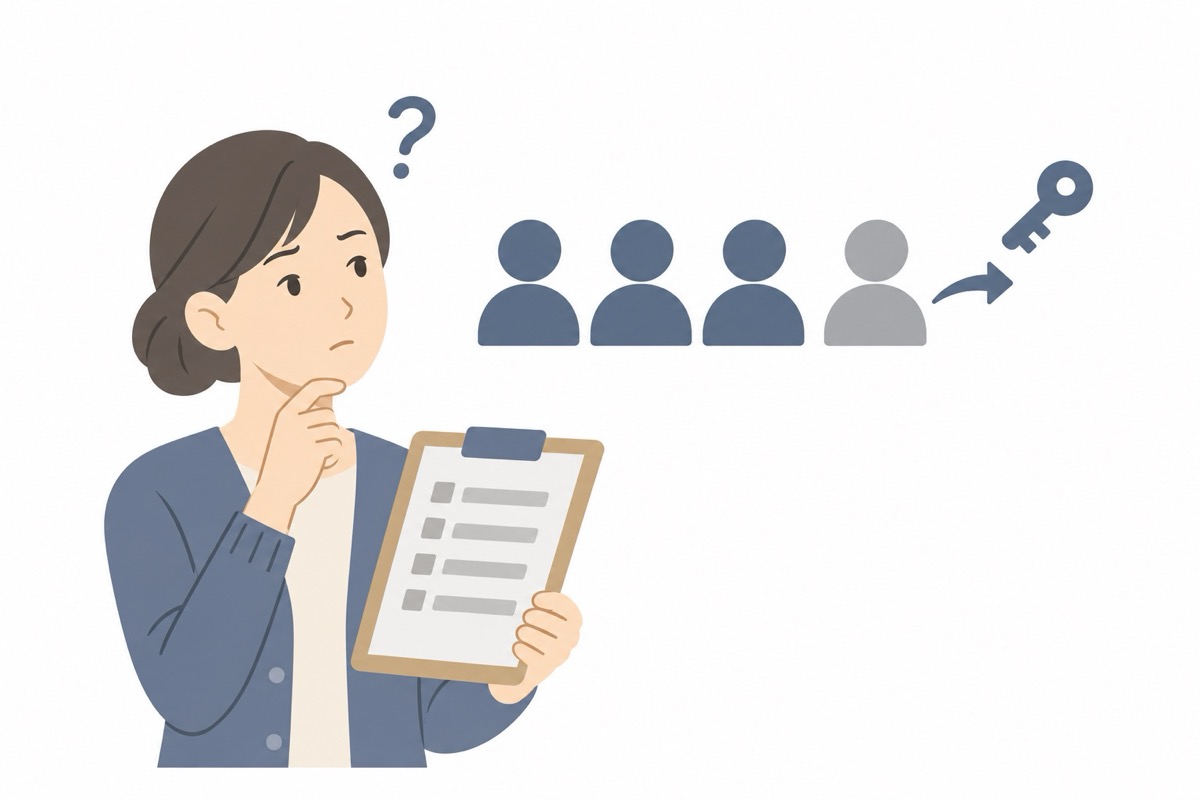
- In IPA’s “10 Major Security Threats 2026” for organizations, information leaks through insider misconduct rank 7th, selected for 11 years in a row.
- A leaver’s account is not an “attack”, so neither login-anomaly detection nor log monitoring will catch it. The only way to find it is matching HR records against account lists.
- It is not only about people. Permissions that are too strong, API keys and shared passwords that nobody owns, and accounts of vendors and web agencies go into the same table.
- The order is Google Workspace / Microsoft 365, then cloud consoles, SaaS, shared folders and VPN: start where there are many accounts and the impact is large.
- Google Workspace and Microsoft 365 both document a “suspend (block sign-in)” step before deletion. Stop access first; handing over data can come later.
Why logs will not show it
In “10 Major Security Threats 2026” for organizations, published every year by IPA (Information-technology Promotion Agency, Japan), “information leaks through insider misconduct” ranked 7th. It has been selected 11 years in a row since 2016. IPA’s “Guidelines for the Prevention of Internal Improprieties in Organizations” added, in the 5th edition of April 2022, personnel-management measures to reduce the risk from the growing number of leavers caused by a more fluid labor market.
The important point is that accounts left behind by people who left or moved cannot be found by monitoring logs (records). Login-anomaly detection looks for “incorrect logins from unusual places or times”, but a login with a leftover account is a correct login by someone who knows the correct password. In the logs it looks like an employee.
So there is only one way to find it: match the roster of current staff held by HR against the account list of each service. We call this an “access review”.
Three things that get left behind
What we find during assessments usually falls into three groups.
| Type | Typical state | How to find it |
|---|---|---|
| Accounts of people who left or moved | Email was stopped, but the account remains in cloud consoles and SaaS (business services used over the internet) | Match the roster against account lists |
| Permissions that are too strong | Someone made an admin “temporarily” is still an admin; people can still open the shared folders of their previous department | List all admins and ask each one “is this still needed?” |
| Keys nobody owns | API keys (keys that connect programs to each other) created by the web agency, shared passwords passed around a department, VPN (remote access into the office network) accounts whose creator has left | Pick up every item whose “created by” and “used by” fields are empty |
The third group is the hardest. Keys do not appear on the roster, so without a register of owners (who created it, for what, when) you cannot even decide whether it is safe to delete. Building this register is the goal of the first review.
The order: many accounts and large impact first
We recommend this order.
- Google Workspace / Microsoft 365: everyone uses it, and email, files and calendars are connected.
- Cloud consoles (AWS, Google Cloud, Microsoft Azure and others): this is where servers and databases can be stopped or deleted. Export the user list and the API key list from IAM (the feature that manages users and permissions).
- SaaS: accounting, attendance, chat, business cards, recruiting and so on. Building a “list of SaaS we pay for” from invoices first reduces omissions.
- Shared folders: Google shared drives, SharePoint, the office NAS (network disk). For each folder, look at who can open it.
- VPN: the account list often exists only inside the office appliance and is easily overlooked. Ask the maintenance company for the list.
Put vendor and agency accounts in the same table
In IPA’s 10 Major Threats 2026, “attacks targeting the supply chain and contractors” rank 2nd. You have most likely given console accounts to outside parties: your web agency, server maintenance company or accounting firm.
They are left behind for two reasons: the end of a contract is not a “resignation”, so it never appears in HR records, and when the vendor changes its own staff, nobody tells you.
The fix is simple: add an “external” section to the review table and write down company name, contact name and contract end date. Accounts of companies whose contract has ended are stopped within the same month. We also covered agreements with vendors in our offshore development security checklist.
Quarterly access review checklist
Even without IT staff, the review works if admin staff and each service’s administrator (or the maintenance company) fill in the following.
- Received this quarter’s list of leavers, transfers and new hires from HR
- Exported the Google Workspace / Microsoft 365 user list and “suspended” everyone not on the roster
- Exported IAM users and API keys from cloud consoles and wrote down every item with no known owner
- Listed everyone with administrator (privileged) rights and confirmed one by one that it is still needed
- Built a list of SaaS under contract (from invoices) and matched each user list against the roster
- For each shared folder, listed who can open it and removed people still attached to their previous department’s folders
- Received the VPN account list from the maintenance company and matched it against the roster
- For vendor accounts, recorded company name, contact name and contract end date, and stopped accounts of ended contracts
- Listed every place where a shared password is used and changed those known to leavers
The last line is easy to forget. If someone who knew a shared password has left, that password is already outside the company.
In Google Workspace and Microsoft 365, “suspend first”
Deleting changes how data is handled, so on the leaving day “suspend (block sign-in)” is enough.
- Google Workspace: according to the admin help article “Suspend a user temporarily”, a suspended user can no longer use Google Workspace services, but email, documents, calendar and other data are not deleted. However, suspended accounts are still billed. When you delete, follow “Delete or remove a user from your organization” and transfer important data to another user first. A deleted user can be restored within 20 days.
- Microsoft 365: in Microsoft Learn “Remove a former employee - Overview”, step 1 is “block the former employee from signing in”, followed by saving the mailbox, wiping devices, forwarding email and giving access to OneDrive, and finally removing the license and deleting the account. After the account is deleted, OneDrive and Outlook content is retained for 30 days.
A two-step routine (stop on the leaving day, delete when the handover is done) keeps things manageable. For files that contain personal data, see also personal data inventory and deletion.
What to do, in order
- This week: ask HR for the list of leavers and transfers over the past year and match it against the Google Workspace or Microsoft 365 user list. Suspend everyone not on the roster
- This month: build the list of cloud consoles and SaaS under contract, and write down users, API keys and admin rights. For keys with no known owner, ask the web agency or maintenance company one by one
- Next month: receive the shared folder and VPN account lists from the maintenance company and match them against the roster. Add the vendor section (company name, contact name, contract end date) to the table
- Once a quarter: run the checklist above. Add one line, “suspend accounts”, to the resignation procedure and decide who does it
- Once a year: review the whole picture with the checklist in IPA’s insider-threat guidelines. Admin consoles and test environments still visible from outside can be checked with our free assessment
Not sure what your own environment runs on?
With our Security & IT Support, you can hand over everything from inventorying the technologies and versions you use to checking them against vulnerability information, applying fixes and verifying after updates. It is a monthly subscription (quasi-mandate contract) of 5–15 hours a month from US$200/month, with Japanese-language support and only a 2-hour time difference from Japan.