

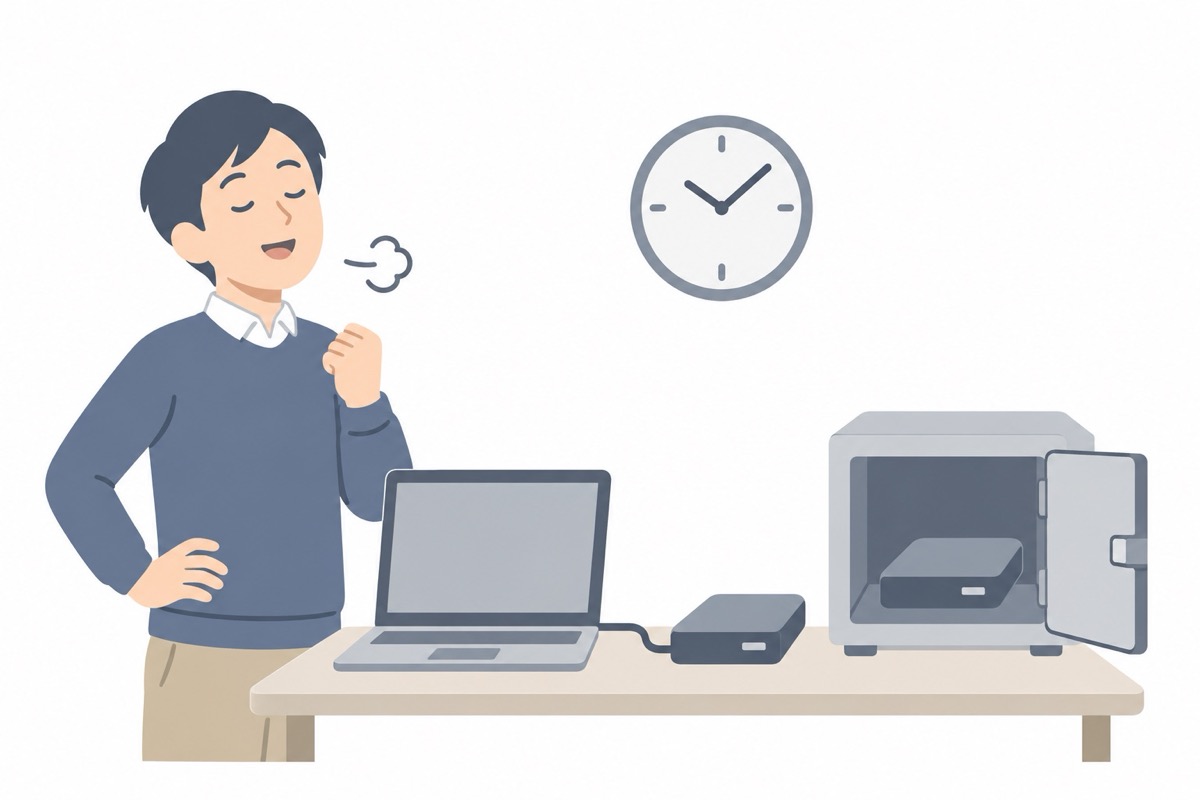
- In IPA’s “10 Major Security Threats 2026” for organizations, ransomware damage ranks first.
- Attackers often look for backups and delete them before encrypting data. Backups that can be deleted with the production account may not be there when you need them.
- Think in three parts: a place that cannot be erased (locked storage), a separate key (separate account and admin), and generations you can go back to.
- AWS and Google Cloud offer storage that even admins cannot delete for a set period. For on-site servers and NAS, keeping a copy disconnected from the network is the basic rule.
- Finally, confirm that you can actually restore. A backup that has never been restored is only half done.
Why daily backups are not enough
In “10 Major Security Threats 2026”, published every year by IPA (Information-technology Promotion Agency, Japan), the top threat for organizations is “damage from ransomware attacks”. Ransomware encrypts company data so it cannot be used and demands money to restore it.
Japan’s National Police Agency explains that recent attacks often enter through weaknesses in internet-facing devices such as VPN appliances, steal data and then encrypt it (“double extortion”). Attacks that only steal data without encrypting it have also been seen.
This is where backups matter. After getting in, attackers obtain admin privileges and often look for and delete backups before encrypting. If backups sit where the same admin account can manage them, they are deleted together with production. “We take backups every day” and “the backups still exist after the attack” are two different things.
Three parts of a backup that survives
Backups that resist ransomware are easier to plan in three parts.
| Part | What to do | Common mistake |
|---|---|---|
| A place that cannot be erased | Locked storage that no one can delete for a set period, or storage disconnected from the network | Another folder on the same server, an external disk that is always connected |
| A separate key | Separate the right to delete backups from production admins | Production and backups managed by the same admin account |
| Generations | Be able to go back to an earlier point, such as a month ago | Only the latest copy, overwritten every day |
Generations matter because attackers may stay inside for some time before they encrypt. If the latest backup already contains their tools, restoring it brings the same problem back. How far back you need depends on your business, but we recommend keeping at least several weeks of generations.
In the cloud, use the “lock” features
The major clouds offer storage that even administrators cannot delete for a set period.
- AWS Backup Vault Lock: locks a backup vault so that backups cannot be deleted and retention cannot be shortened during the retention period. Only “compliance mode” cannot be removed even by administrators; the other mode can be lifted by users with strong permissions.
- Amazon S3 Object Lock: makes files stored in S3 impossible to overwrite or delete for a set period. Here too, only “compliance mode” stops administrators from deleting.
- Google Cloud backup vault: enforces a retention period during which backups cannot be deleted.
Your web agency or cloud maintenance company will do the setup, but you can always ask two questions: “Is a lock enabled?” and “How many days is the lock?”
If you back up to on-site servers or a NAS (network disk), the basic rule is to keep disks or tapes that are normally disconnected from the network and rotate them regularly.
Check your own backups
Even without IT staff, these questions to your vendor will show where you stand.
- There is a list of what is backed up (servers, databases, file shares, cloud data)
- Backups are stored separately from production (another account, another building, or media disconnected from the network)
- It is clear who can delete backups, and they are not the production admins
- A lock (cannot be deleted for a set period) is enabled, and you know how many days
- You know how many generations and how many days back you can restore
- You know when someone last tested an actual restore
If any answer is “we don’t know”, that is your biggest gap today.
What to do, in order
- This week: send the six questions above to your vendor and put the answers into one table
- This month: for your most important data (customer data, accounting, core systems), add locked storage or a disconnected copy
- Next month: separate the right to delete backups from production admins and turn on multi-factor authentication (MFA)
- Once a year: run a real restore drill. If you are not sure where to start, get a free external check and also review how long your logs are kept
Not sure what your own environment runs on?
With our Security & IT Support, you can hand over everything from inventorying the technologies and versions you use to checking them against vulnerability information, applying fixes and verifying after updates. It is a monthly subscription (quasi-mandate contract) of 5–15 hours a month from US$200/month, with Japanese-language support and only a 2-hour time difference from Japan.