

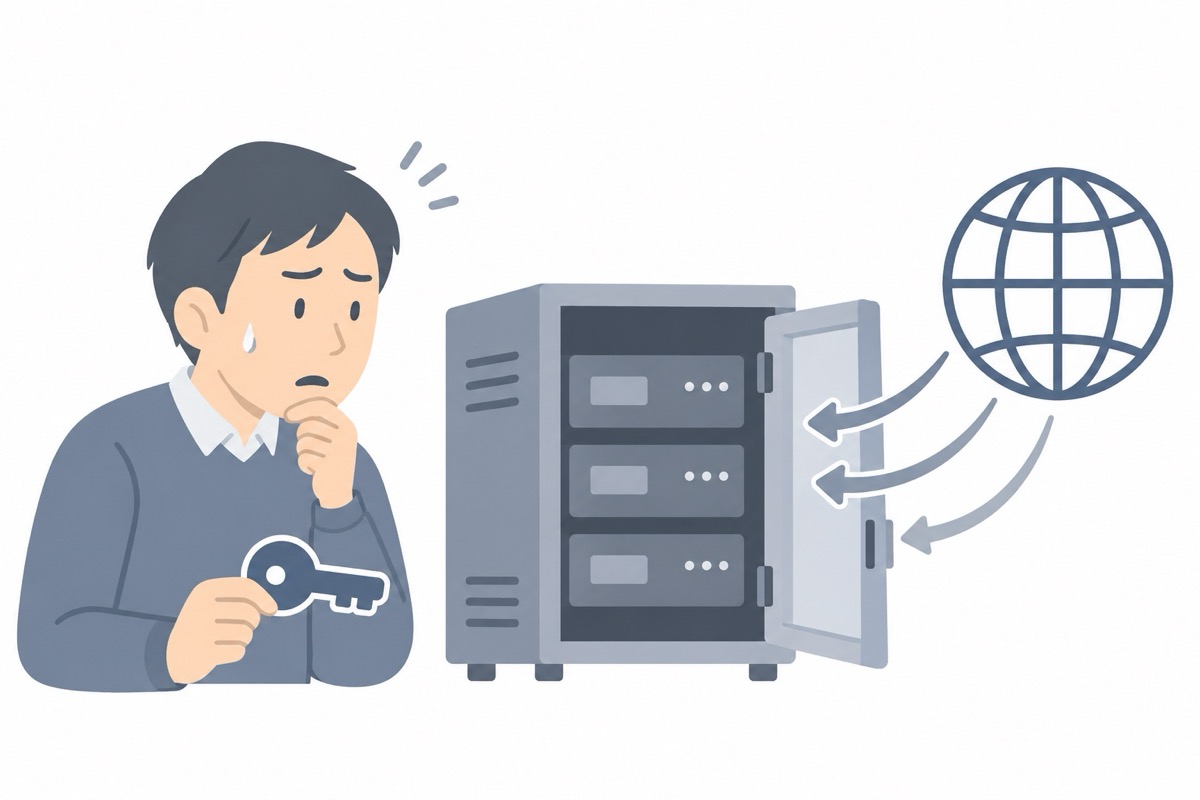
- In Japan’s National Police Agency statistics for the first half of 2026, ransomware entry points were VPN devices in 18 cases and Remote Desktop in 9 cases (36 valid answers). Exposed entry points, not email attachments, are the main route in.
- The danger is not “is it open” but “open to whom”. SSH or RDP with source `0.0.0.0/0` (anywhere) gets password attempts from the whole world.
- You can learn where you stand by asking your vendor for “the list of open ports and allowed sources”. External checks (Shodan, nmap) must target your own servers only, and should be run by your vendor or an assessment company.
- Four ways to close: shut unused ports, restrict the source IP, route through a VPN or bastion, and use key authentication for SSH and multi-factor authentication for RDP.
- AWS and Microsoft documentation also say not to open SSH and RDP to 0.0.0.0/0, and describe management without a public IP.
What an “open admin port” means
Besides the entry points that show your website (ports 80 and 443), a server has entry points for administration and maintenance: SSH (remote control of a server), Remote Desktop (RDP, remote control of a Windows screen), databases, FTP (file transfer), outgoing mail (SMTP) and others. Each has a fixed number called a “port”.
These entry points are meant for your web agency or maintenance vendor only. In practice, however, they are sometimes left “reachable from anywhere” (source `0.0.0.0/0` on AWS) because that is the easiest setup. In that state, anyone in the world can “knock on the door and try passwords”, and attackers who scan the whole internet continuously will find it sooner rather than later.
They really are being used to break in
According to the National Police Agency’s report “Threats in Cyberspace, First Half of 2026 (Reiwa 8)”, 123 ransomware incidents were reported in the first half of 2026, the highest half-year figure since the statistics began. In the survey on entry routes (36 valid answers), 18 came through VPN devices and 9 through Remote Desktop, together three quarters of the total. Over the past five years combined, VPN devices account for 293 cases and Remote Desktop for 105, against 24 for suspicious emails and attachments.
In IPA’s (Information-technology Promotion Agency, Japan) “10 Major Security Threats 2026” for organizations, ransomware damage ranks first and “attacks on remote work environments and systems” ranks eighth. The U.S. CISA (Cybersecurity and Infrastructure Security Agency), in advisory AA22-137A issued jointly with partner agencies, also lists “open ports and misconfigured services exposed to the internet” as one of the most common findings.
The entry points to check
| Entry point (port) | What it is for | Who should connect | Main risk when open |
|---|---|---|---|
| SSH (22) | Remote control of Linux servers | Maintenance staff only | Password brute force, server takeover |
| Remote Desktop / RDP (3389) | Remote control of Windows servers | Maintenance staff only | Brute force, ransomware entry |
| Database (3306 / 5432) | Storing customer data and more | Only the web app on the same server or internal network | Data theft or tampering |
| FTP (21) | File transfer | Avoid in principle (traffic is not encrypted) | Password sniffing, file replacement |
| Outgoing mail / SMTP (25) | Sending email | Mail servers only | Abuse as a spam relay |
What matters is “open to whom”. Open only to the vendor’s office is a completely different level of risk from open to the whole world.
How to check from outside (your own servers only)
Two methods will show where you stand.
The first is to ask your vendor: “Please give us the list of ports open to the internet on our servers, and the allowed source for each.” It is a short job answered from the settings.
The second is an external check. Public search services (such as Shodan) and port scanning (such as nmap) show how your servers look from outside. But do this against your own servers only. Pointing these tools at another company’s servers can be treated as an attack and can create legal problems. It is safest to have your vendor or an assessment company such as ours run them.
Four ways to close them
| Method | What you do | Suited to |
|---|---|---|
| Source IP restriction | Allow connections only from fixed IP addresses such as the vendor’s office | Staff work from fixed locations |
| Via VPN | Connect to a VPN first, and allow admin access only from inside it | Staff work from several locations |
| Key authentication and MFA | For SSH, replace passwords with keys (long secret strings). For RDP, add multi-factor authentication (MFA) | Always combine with the two above |
| Bastion host | Do not expose admin ports directly; route through a dedicated relay server | Several servers in the cloud |
The AWS Security Hub controls include “security groups should not allow ingress from 0.0.0.0/0 or ::/0 to port 22 and port 3389” (EC2.13, EC2.14). Microsoft’s Azure Bastion connects to virtual machines over RDP / SSH without giving them a public IP. CISA’s advisory also says that any system with an open RDP port should be placed behind a firewall and reached through a VPN.
Allow database connections only from the internal web app, and replace FTP with SFTP (file transfer over SSH), which encrypts the traffic.
Questions to send your vendor
- The list of ports open to the internet (number and purpose)
- The allowed source for each (anywhere, specific IPs, VPN only)
- Whether SSH uses passwords or keys, and whether root (the top administrator) can log in directly
- Whether RDP has multi-factor authentication, and whether accounts lock after repeated failed logins
- Whether the database and FTP are reachable from outside, and whether unused ports can be closed
- Where login history (successes and failures) for admin ports is kept, and for how many days
IP restrictions and closing unused ports are often covered by the existing maintenance contract; adding a VPN or bastion host adds equipment or cloud fees and setup work.
What to do, in order
- This week: send the six questions above to your vendor and put the open ports and sources into one table
- This month: close unused entry points (FTP, externally reachable databases) and limit SSH and RDP sources to the vendor’s IP or a VPN
- Next month: move SSH to key authentication and add multi-factor authentication to RDP. If you have several servers, get a quote for consolidating access through a bastion host
- Once a year: re-check the entry points visible from outside. Doing it together with your end-of-support check for server OS and software makes it harder to miss, and if you are unsure where to start, a free external check shows what is visible from outside
Not sure what your own environment runs on?
With our Security & IT Support, you can hand over everything from inventorying the technologies and versions you use to checking them against vulnerability information, applying fixes and verifying after updates. It is a monthly subscription (quasi-mandate contract) of 5–15 hours a month from US$200/month, with Japanese-language support and only a 2-hour time difference from Japan.