

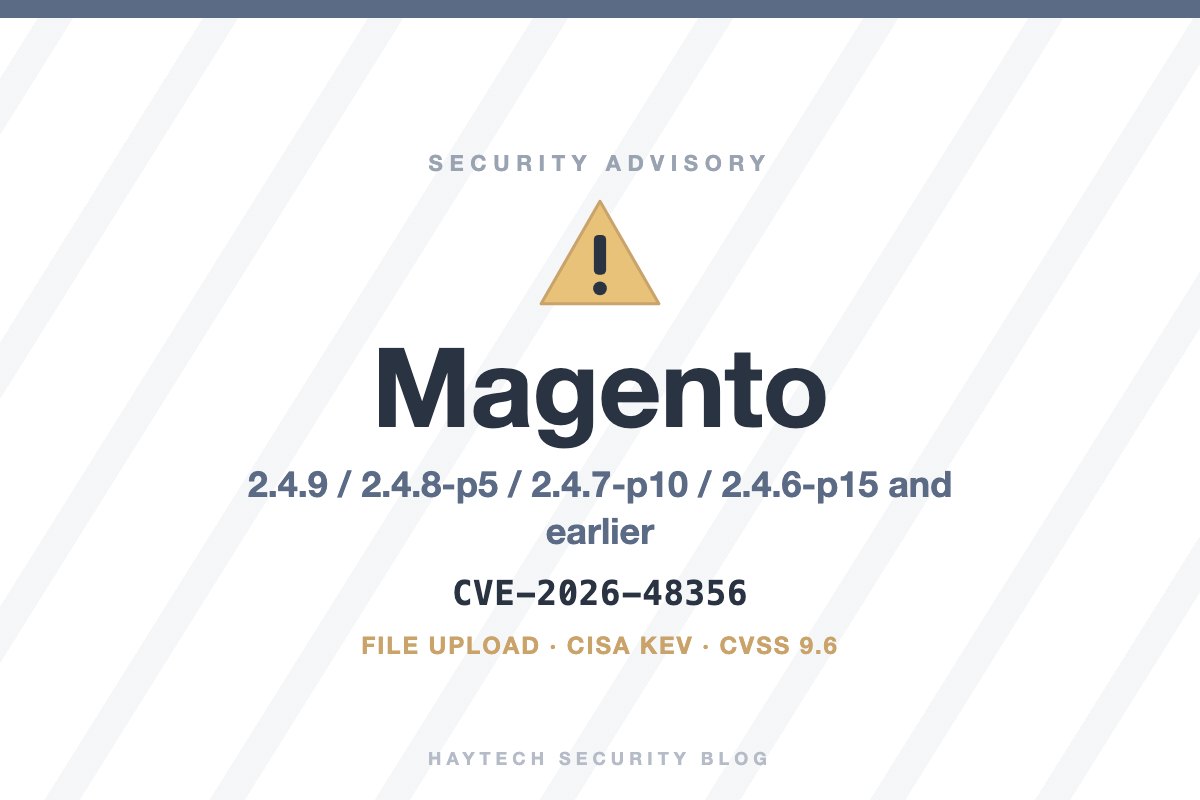
- Adobe Commerce and Magento Open Source have a vulnerability that allows dangerous files to be uploaded (CVE-2026-48356). It is “critical”, with CVSS 9.6 by Adobe (9.3 by NVD).
- Adobe released the fix (APSB26-73) on July 14, 2026. CISA added it to KEV on October 27 as actively exploited.
- Affected Magento Open Source versions include 2.4.9, 2.4.8-p5 and earlier, 2.4.7-p10 and earlier, and 2.4.6-p15 and earlier. Older Adobe Commerce lines are affected too.
- A research firm reports that some patched stores still had code planted earlier. Check the contents as well as updating.
- The first step is to confirm whether your store runs Magento and who updates it, then send your agency the questions below.
What is happening
Magento is a system for building online stores. Its official name today is Adobe Commerce, and the free edition is called Magento Open Source.
CVE-2026-48356 lets dangerous files that should never be accepted be uploaded to the site. Adobe rates it CVSS 9.6 and NVD (the US vulnerability database) rates it 9.3, both in the highest “critical” band (CVSS is a 0-10 severity score).
| Date | Event |
|---|---|
| July 14, 2026 | Adobe publishes the fix (APSB26-73), stating it was not aware of exploitation at that time |
| October 24, 2026 | Research firm Sansec publishes a report on attacks planting code in Magento stores |
| October 27, 2026 | CISA adds the vulnerability to KEV (its list of known exploited vulnerabilities) |
Even though the fix came out in July, stores that were never updated are being targeted right now.
Affected versions
Adobe’s APSB26-73 lists these versions as affected.
| Product | Affected versions |
|---|---|
| Magento Open Source | 2.4.9, 2.4.8-p5 and earlier, 2.4.7-p10 and earlier, 2.4.6-p15 and earlier |
| Adobe Commerce | 2.4.9, 2.4.8-p5 and earlier, 2.4.7-p10 and earlier, 2.4.6-p15 and earlier, 2.4.5-p17 and earlier, 2.4.4-p18 and earlier |
The fix is in the APSB26-73 updates (the July 2026 releases). If you run an even older line that is not in the table, a fix may not exist. In that case you need to consider options including a rebuild (see three options for a site with no more fixes).
Why patched stores still need checking
According to Sansec, attackers planted code in Magento’s database “CMS blocks” (parts shown inside pages) that loads scripts from outside.
- 953 stores have been found with this kind of code since July 2025
- 83 stores carried a new version first seen on October 7, and 60 of them had already been compromised before
- Some patched stores also had the code
The planted code runs outside scripts in the browsers of customers who visit the store. Sansec has not yet confirmed what it finally does, but on an online store the checkout pages are at risk of being altered. So “we updated, so we are done” is not enough; you need to check whether something is already inside. The pages look the same as before, so neither the store owner nor customers tend to notice this kind of attack.
What to ask your web agency
If a web agency maintains your store, send them these questions as they are.
- Is our online store Magento (Adobe Commerce)? Which version?
- Is Adobe’s APSB26-73 (CVE-2026-48356) fix installed? When was it installed?
- Have you checked the CMS blocks and CMS pages in the database for unfamiliar scripts?
- Are there unfamiliar files in the upload folders (pub/media/custom_options/ and pub/media/customer_address/)?
- Are there unfamiliar administrator accounts in the admin panel?
- If anything is found, will you change the database, admin and integration passwords after cleaning up?
Sansec also recommends installing the earlier fix APSB25-88 together with APSB26-73. Ask for the answers in writing, with the date and result of each check, so you can explain later to partners or customers if needed.
What to do, in order
- Today: confirm whether your store runs Magento and who updates it
- Today or tomorrow: send the questions above to your agency and confirm whether the APSB26-73 fix is installed
- This week: if not, have it updated. Even if it is, have the CMS blocks, upload folders and administrator accounts checked
- If anything is found: change passwords after cleaning up and check whether customer data was affected. Decide at this stage whether you must report
- Going forward: set in the contract who updates the store and how often. You can start checking what is visible from outside with a free check
Not sure what your own environment runs on?
With our Security & IT Support, you can hand over everything from inventorying the technologies and versions you use to checking them against vulnerability information, applying fixes and verifying after updates. It is a monthly subscription (quasi-mandate contract) of 5–15 hours a month from US$200/month, with Japanese-language support and only a 2-hour time difference from Japan.